
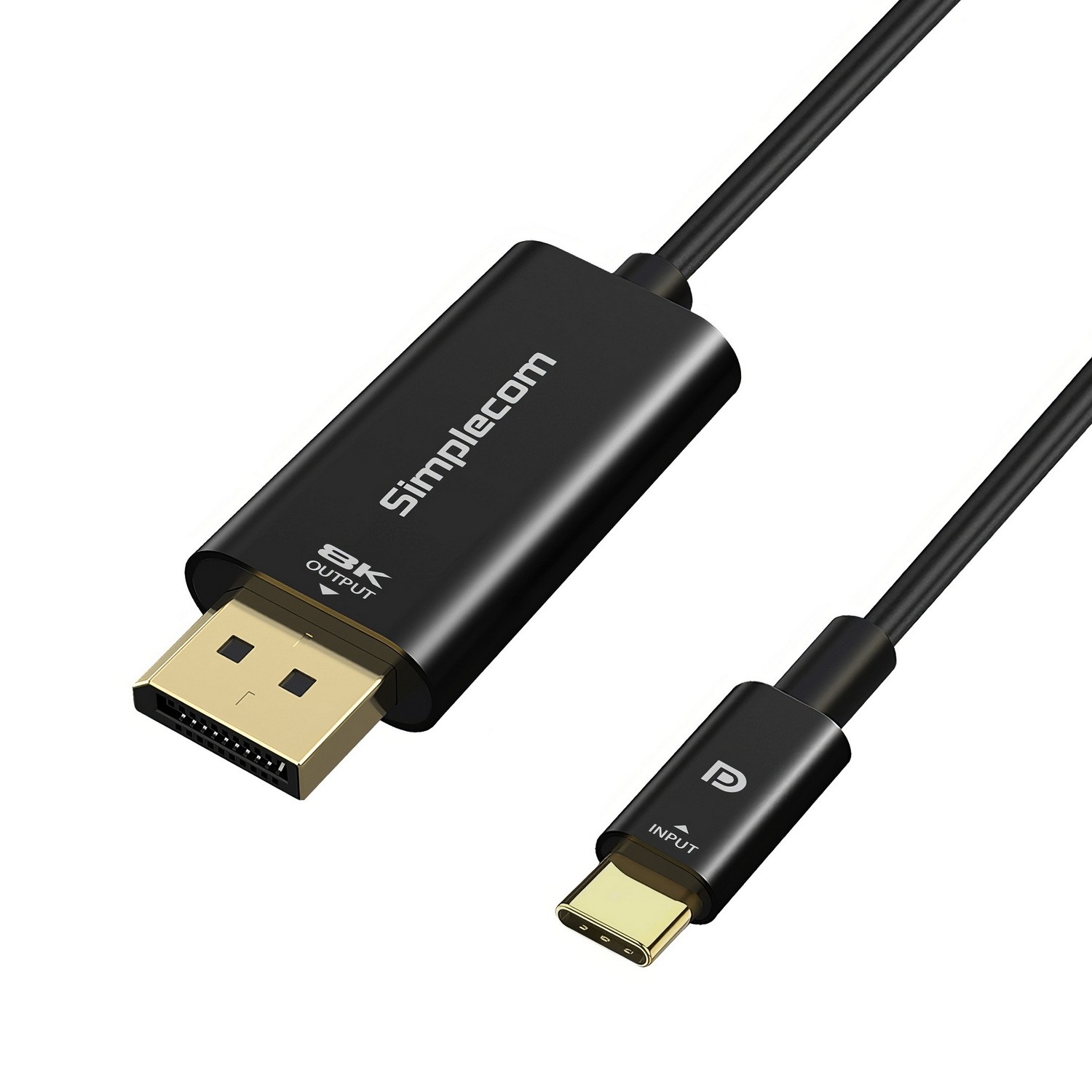
Your laptop has the USB-C port. The monitor has the DisplayPort input. You just need a cable that actually pushes the resolution without dropping frames or needing a driver install.
The Simplecom DA323 does that job cleanly. Plug it in and you're at 8K@60Hz, 4K@144Hz, or 1080p@240Hz — no software, no fiddling. The solid aluminium connectors mean it won't wobble out of the port mid-presentation, and the gold-plated contacts keep the signal tight over the full 2 metres.
One thing to check before you hit buy: your USB-C port needs to support DisplayPort Alternate Mode (DP Alt Mode). Some ports only do charging or data. If yours is a Thunderbolt 3 or 4 port, you're covered. If it's a generic USB-C on a budget laptop, take a quick look at the spec sheet.
This cable runs one direction only — USB-C to DisplayPort. If you need the reverse, that's a different cable. Mirror or extend mode both work fine for dual-screen setups.
Add to cart and it's in your hands before the next Monday stand-up
| 0 | 8K@60Hz (7680x4320) |
| 1 | 4K@144Hz (3840x2160) |
| 2 | 2K@165Hz (2560x1440) |
| 3 | 1080p@240Hz (1920x1080) |
| brand | SIMPLECOM |
| model | DA323 |
| input_connector | USB-C Male |
| output_connector | DisplayPort |
| displayport_version | 1.4 |
| max_resolution | 8K@60Hz (7680x4320) |
| bandwidth | 32 Gbps |
| cable_length_m | 2 |
| audio_support | 1 |
| direction | Unidirectional (USB-C to DisplayPort) |
| system_requirements | Windows 10 or above, macOS 10.12 or above, ChromeOS, Android |
| compatibility | USB-C with DP Alt Mode, Thunderbolt 3, Thunderbolt 4 |


