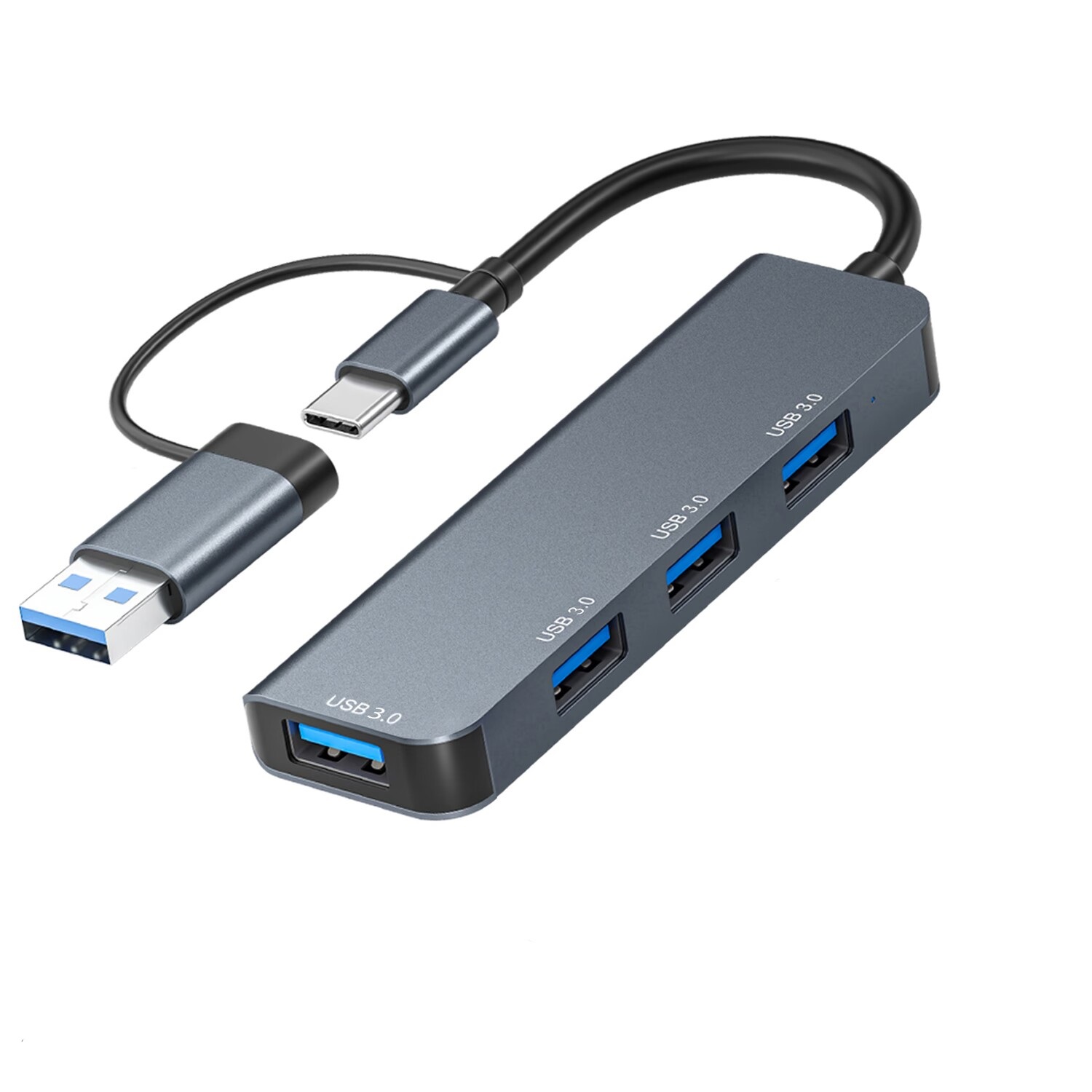

You need one cable to your laptop and every screen, drive, and card slot you actually use. The MBEAT Elite 7-in-1 does that with USB-C 3.2 Gen 2 speed on the data side and an HDMI 2.1 port that pushes 8K/30Hz or 4K/120Hz.
Two USB-A ports and one USB-C port all transfer at 10Gbps, so you're not bottlenecked when moving large project files between drives. The 100W PD pass-through keeps your laptop topped up while everything else runs. SD 3.0 and MicroSD 3.0 slots handle camera offloads without a separate reader.
It's 47g, the size of a matchbox, and sits flat under your keyboard. Works with Windows 7 through 11 and macOS 10.12 and later. Your laptop's USB-C port needs DisplayPort Alt Mode for video output. Note: MacBook M1 (2020) supports one external display only
| brand | MBEAT |
| model | Elite 7-in-1 |
| upstream_port | USB-C 3.2 Gen 2 × 1, 10Gbps |
| downstream_usb_c | USB-C 3.2 Gen 2 × 1, up to 10Gbps |
| downstream_usb_a | USB-A 3.2 Gen 2 × 2, up to 10Gbps each |
| usb_c_pd | × 1, up to 100W pass-through; charger not included |
| hdmi | HDMI 2.1 × 1: 8K/30Hz, 4K/120Hz, 1080p/120Hz, 720p/60Hz; HDR, HDCP 1.4/2.3 |
| sd_card_reader | SD 3.0, compatible with SDXC/SDHC/SD |
| micro_sd_reader | MicroSD 3.0, compatible with MicroSDXC/MicroSDHC/MicroSD |
| backward_compatibility | USB 3.0 and USB 2.0 |
| bandwidth_note | Max upstream bandwidth 10Gbps when multiple ports in use |
| compatible_os | Windows 7, 8, 10, 11; macOS 10.12+ |
| dp_alt_mode_required | 1 |
| m1_macbook_note | MacBook (2020) M1 CPU supports 1 external display only |
| product_dimensions | 97.4mm × 37mm × 10.2mm |
| product_weight | 47g |