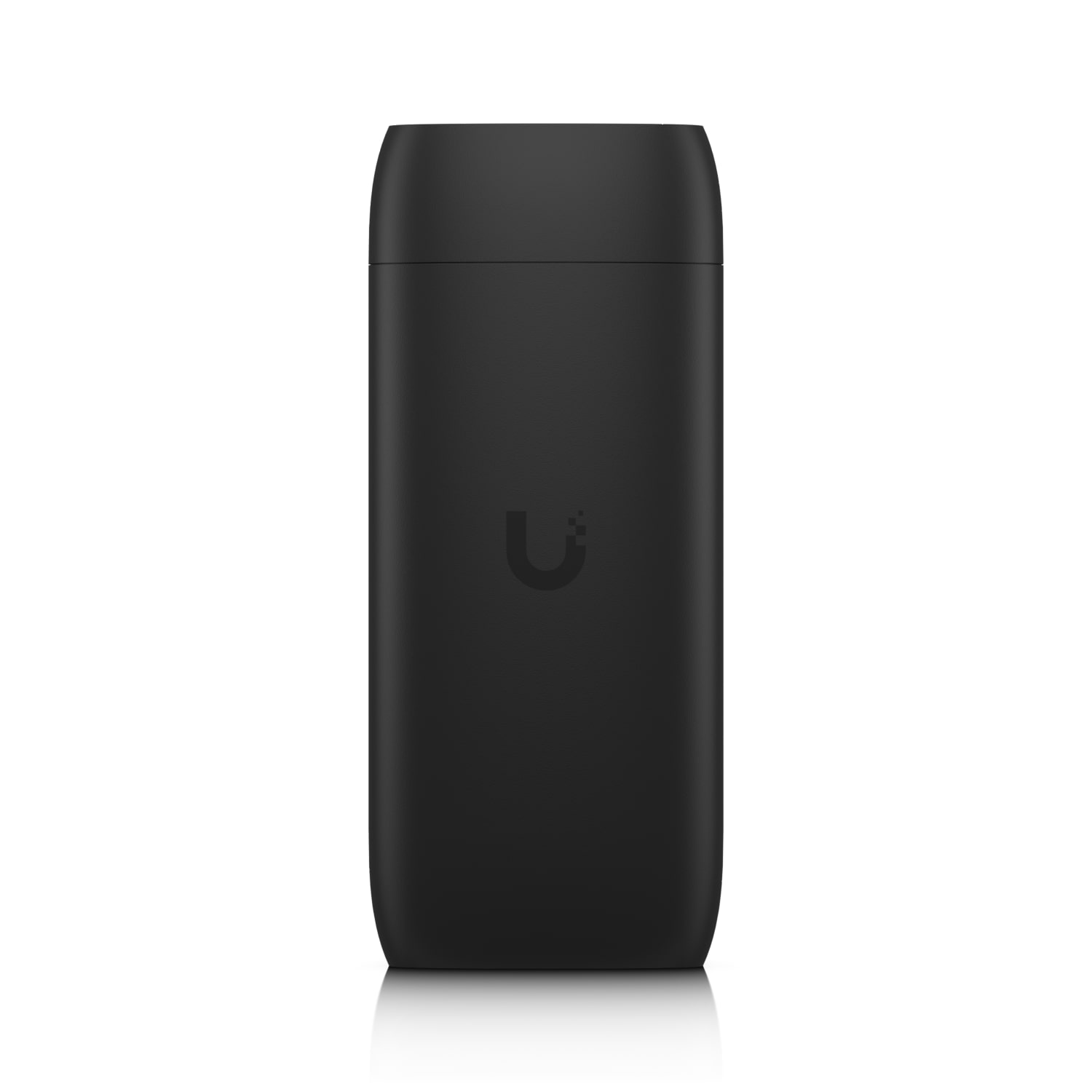
You need more than a looping video on the lobby screen. You want 4K, you want live web pages, you want a playlist that swaps content by time of day, and you want to drop a keyboard and mouse on it for quick edits without crawling behind the panel. The Display Cast Pro handles all of that. Plug it into PoE or USB-C, connect over Ethernet or UniFi WiFi Auto-Link, and build your layouts in UniFi Connect. HDMI CEC takes care of the display power cycle so your screen isn't a black rectangle at closing time. Two things to note before you order: the USB-C power adapter and HDMI cable aren't included, and it doesn't stream Protect camera feeds directly — use Protect Viewport for that
| brand | Ubiquiti |
| category | Technology > Networking |
| max_resolution | 4K |
| power | PoE in or USB-C adapter |
| connectivity | Ethernet, UniFi WiFi Auto-Link |
| peripherals | USB-C keyboard and mouse |
| display_control | HDMI CEC |
| management | UniFi Connect playlists |
| included | Device only (no USB-C adapter, no HDMI cable) |
| not_supported | Direct Protect camera streaming (use Protect Viewport) |
| sku | UC-Cast-Pro |